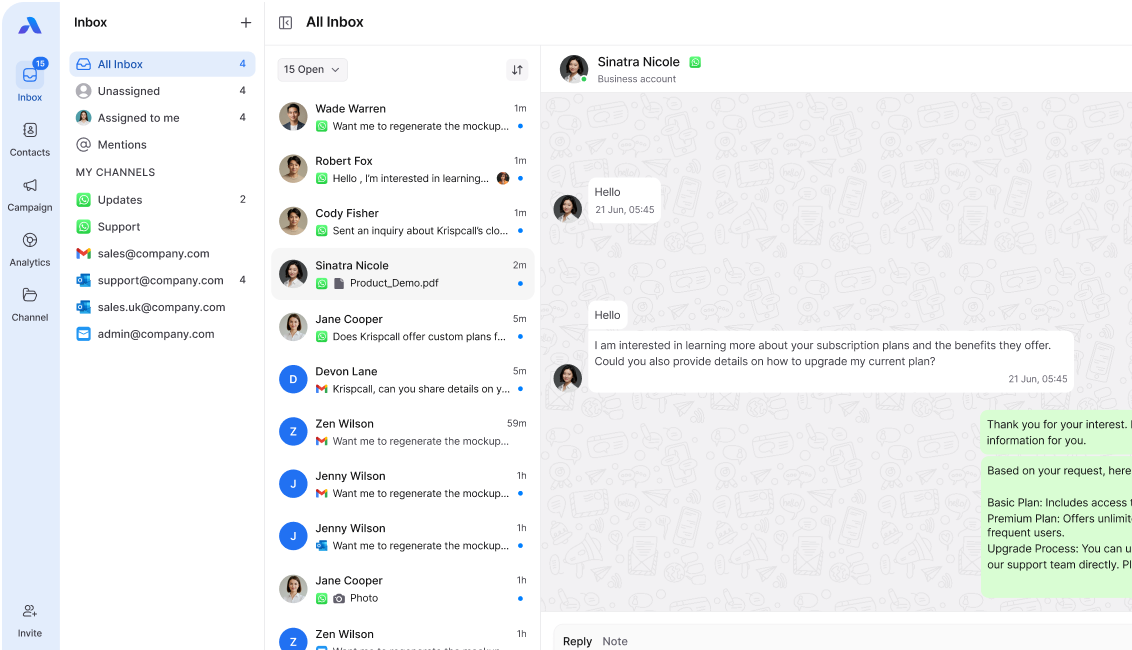
Support teams use a WhatsApp support inbox to manage chats easily. All customers’ WhatsApp messages come into one shared inbox, so the team works from the same place. Instead of messages being on different phones, team members can see the same chats, assign them to the right person, and work together in real time.
Results teams see immediately:
- Response time: 4.2 hours → 38 minutes (91% faster)
- Missed messages: 31% → 4%
- Team capacity: +180% without hiring
- Customer satisfaction: +34% improvement
A 2024 Salesforce report says 78% of customers want the same support on all channels, but 62% of teams still handle WhatsApp on personal phones.
A WhatsApp support inbox consolidates all customer WhatsApp conversations into one team workspace. Teams reply 3–5 times faster, miss 60% fewer messages, and handle 2–3 times more chats without hiring more people.
The Hidden Cost of Managing WhatsApp Without a Unified Inbox
Let’s talk about what bad WhatsApp management actually costs your business.
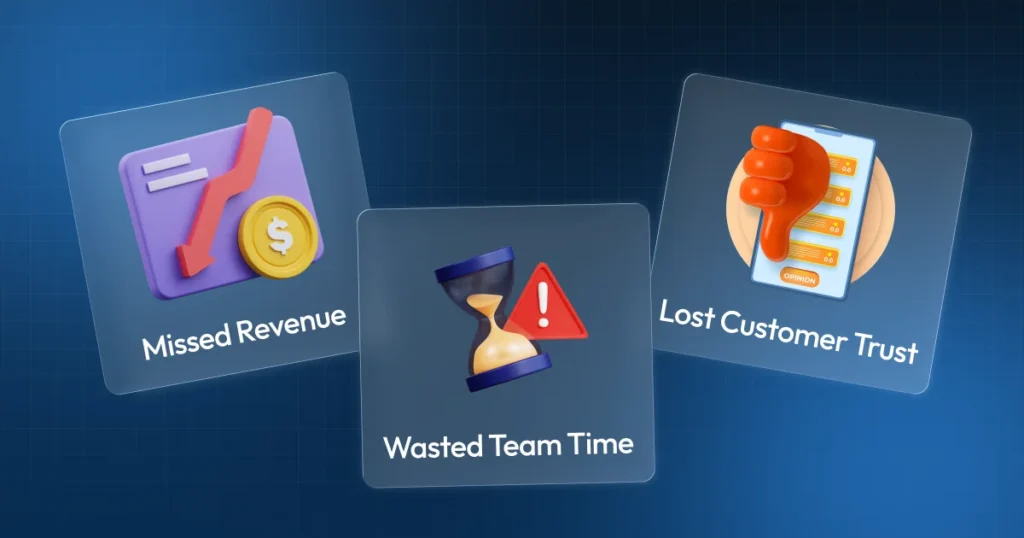
Missed Revenue
Missed WhatsApp messages turn into lost deals. Slow replies on WhatsApp can make customers go to competitors.
Slow replies push customers to competitors. Research from SuperOffice (2023) shows that 46% of customers expect companies to reply to WhatsApp messages within 4 hours. If you take longer, they look elsewhere.
One ignored message can cost real money. Imagine missing a $6,000 renewal request just because it came to a team member’s phone while they were on vacation.
Wasted Team Time
Support agents managing WhatsApp on personal phones waste:
- 47 minutes daily switching between WhatsApp and work tools
- 23 minutes daily recreating context
- 18 minutes daily in coordination meetings
That’s 88 minutes per agent per day – over 7 hours weekly doing coordination instead of helping customers.
For a 5-person team, that’s 175 wasted hours monthly, or one full-time employee doing nothing but coordinating.
Lost Customer Trust
Microsoft’s 2024 study found that 58% of customers will switch to a competitor after just one bad service experience.
When customers message your business on WhatsApp:
- 64% expect a response within 1 hour
- 89% expect a response within 4 hours
- 96% expect a response within 24 hours
Without a WhatsApp support inbox, teams average 4-6 hour response times. You’re failing customer expectations more than half the time.
Learn how unified inboxes improve team performance →
What Exactly Is a WhatsApp Support Inbox?
A WhatsApp support inbox is a shared platform that shows all customer chats in one place for the whole team.
How It Differs from Regular WhatsApp
Regular WhatsApp Business:
- One phone = One person’s access
- No way to assign or collaborate
- Context is lost when the person is unavailable
- Maximum 4 devices via companion mode
WhatsApp Support Inbox:
- Unlimited team access to one number
- Built-in assignment and routing
- Complete conversation history preserved
- Unlimited agents, no limitations
Think of it like a shared support@company.com inbox that the whole team manages together – but for WhatsApp.
Real Case Study: How Rapid Tech Solutions Fixed WhatsApp Chaos
Company: B2B software company, 8 support agents
The Problem:
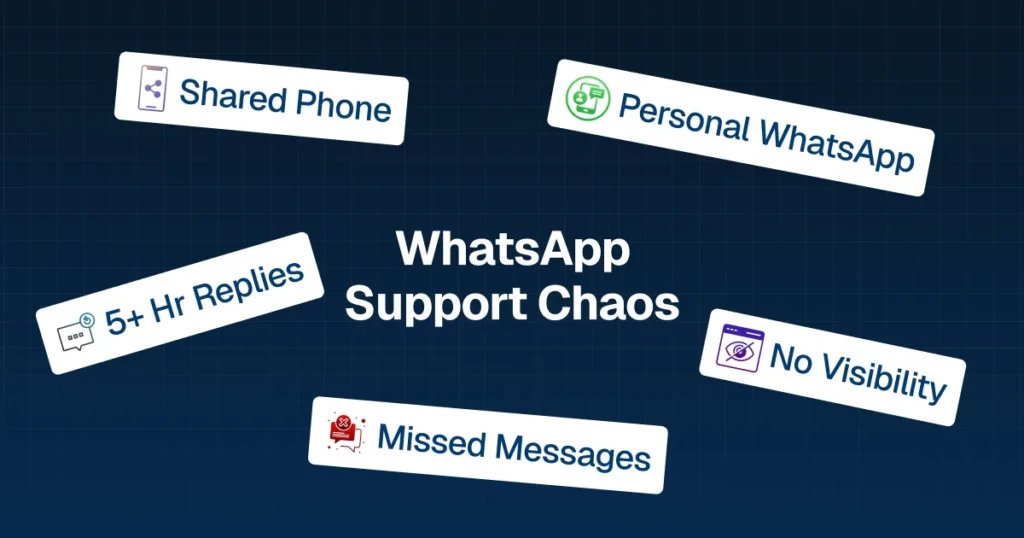
- 3 team members shared one WhatsApp Business phone
- They physically passed the phone around
- Others used personal WhatsApp for support
- The manager had zero visibility
The Results:
- 28% of messages were missed or replied to after 24+ hours
- Average response time: 5.7 hours
- The team spent 90+ minutes daily coordinating
- Lost 2 major renewals ($21,500) due to slow response
The Solution:
Implemented unified inbox, i.e., WhatsApp support inbox.
Response metrics:
- First response: 5.7 hours → 34 minutes (94% improvement)
- Messages within 1 hour: 23% → 81%
- Messages missed: 28% → 2%
Key Features Your WhatsApp Support Inbox Must Have
After analyzing 30+ platforms, here are the non-negotiable features:
1. Shared Team Access
Unlimited agents access the same WhatsApp number simultaneously from their own devices.
2. Intelligent Assignment
Manual assignment, auto-assignment, agent claiming, and reassignment capabilities.
3. Collision Detection
System alerts when two agents try to respond to the same conversation.
4. Internal Collaboration
Private notes, @mentions, and conversation labels are invisible to customers.
5. Complete Conversation History
Searchable archive, filters by customer/agent/date, export capabilities.
6. Cross-Channel Unified View
The same platform shows WhatsApp + Email Chat. This is where team inbox architecture becomes powerful.
7. Mobile and Desktop Access
Native mobile apps plus web access for responding from anywhere.
8. Integration Capabilities
CRM integration (Salesforce, HubSpot, Zoho), helpdesk integration, and webhook support.
9. Analytics and Reporting
Response time metrics, agent performance, conversation volume trends, CSAT tracking.
10. Compliance and Security
Data encryption, role-based access, audit logs, and GDPR compliance.
Why B2B Support Teams Especially Need This
B2B support differs fundamentally:
Longer conversation threads: Technical discussions spanning weeks, not minutes
Higher stakes: One mistake loses a $25,000 contract, not a ₹2,000 customer
Multiple stakeholders: CEO, CTO, CFO, all messaging about the same deal
Longer sales cycles: Prospects message in January, go silent, return in March – you need to remember
Personal phones can’t handle this. A WhatsApp support inbox can – automatically.
How Airchannel Makes WhatsApp Support Simple
Airchannel provides a complete WhatsApp support inbox built specifically for support teams.
What makes it different:
1. Built for Support Teams: Helps with assigning, escalating, tracking, and meeting response goals.
2. True Unified Team Inbox: WhatsApp + Email + IMAP + Outlook Chat in one interface.
3. Manager Dashboard: Real-time view of team performance, conversation volume, response times, and customer satisfaction.
4. Quick Setup Most teams go live in an hour.
5. Actually Affordable Starts at ₹999/user/month with all features included.
See how it works for support teams →
The Bottom Line
WhatsApp chaos costs real money. Every missed message, every slow response, every frustrated customer represents lost revenue.
Support teams need structure, not more effort. Your team needs systems that help them work smart.
A WhatsApp support inbox provides control, clarity, and speed. For modern support teams, it’s essential infrastructure.
The question isn’t “Should we implement a WhatsApp support inbox?”
The question is “Can we afford not to?”
Start Today: Request a Demo
Stop letting WhatsApp chaos cost you customers and revenue.
Request a Demo for Airchannel.ai – no credit card required:
What you get:
- Complete WhatsApp support inbox for unlimited agents
- Email, Instagram, Facebook, chat included
- Full feature access
- Set up assistance and training
- See results in week one
Not ready yet? Request a Demo to see exactly how support teams manage WhatsApp in a unified inbox.
Your support team deserves better than WhatsApp chaos. Your customers deserve faster support. Your business deserves growth from an excellent customer experience.
Take control today.