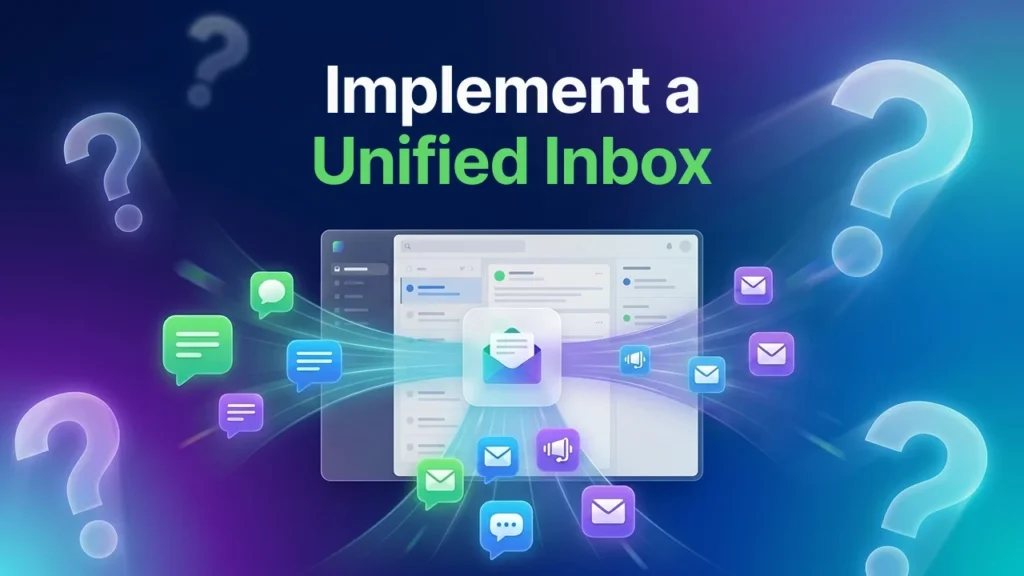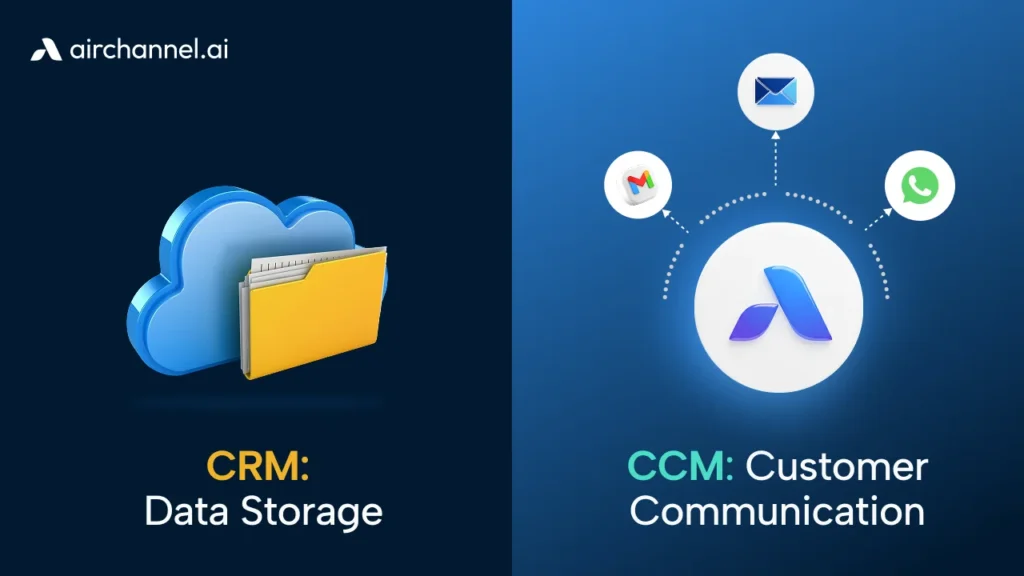
A WhatsApp unified inbox is a way to keep all your business WhatsApp messages in one place. The whole team can look at these messages. This is really helpful because it means that messages are not stuck on personal phones. Now everyone can see the WhatsApp messages. The team can share the workload. Get back to customers quickly. When businesses use a WhatsApp inbox, they can respond to WhatsApp messages 40 % faster. They also miss 60 % WhatsApp messages.
What Is a WhatsApp Unified Inbox?
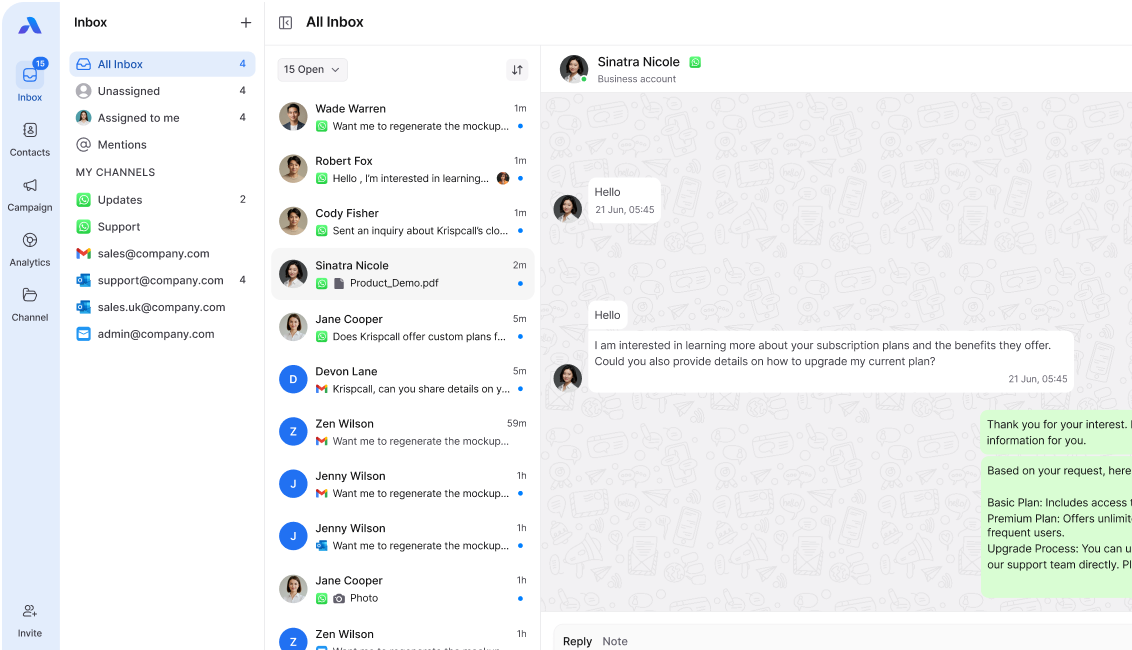
A WhatsApp unified inbox is a place where all the business WhatsApp messages are collected. This means that every person in the team can look at the WhatsApp conversations. They can all reply to these conversations together. The team can also manage the customers easily from this one place. The WhatsApp unified inbox makes it simple for the team to work together on WhatsApp messages.
Normal WhatsApp is for one phone only. With a WhatsApp unified inbox, the whole team can access WhatsApp from a single location. This means everyone on the team can see all the WhatsApp messages. Everyone views all the WhatsApp messages. As a result, nothing is missed from the WhatsApp conversations. The team will always be aware of what’s going on with the WhatsApp messages.
A 2024 study found that when businesses communicated from one platform, customers were 42% happier and responded 35% faster
Why WhatsApp Creates Chaos for Business Teams
WhatsApp handles over 100 billion messages daily (Meta, 2024), making it the world’s most popular messaging app. Customers like it because it’s fast, familiar, and always available.
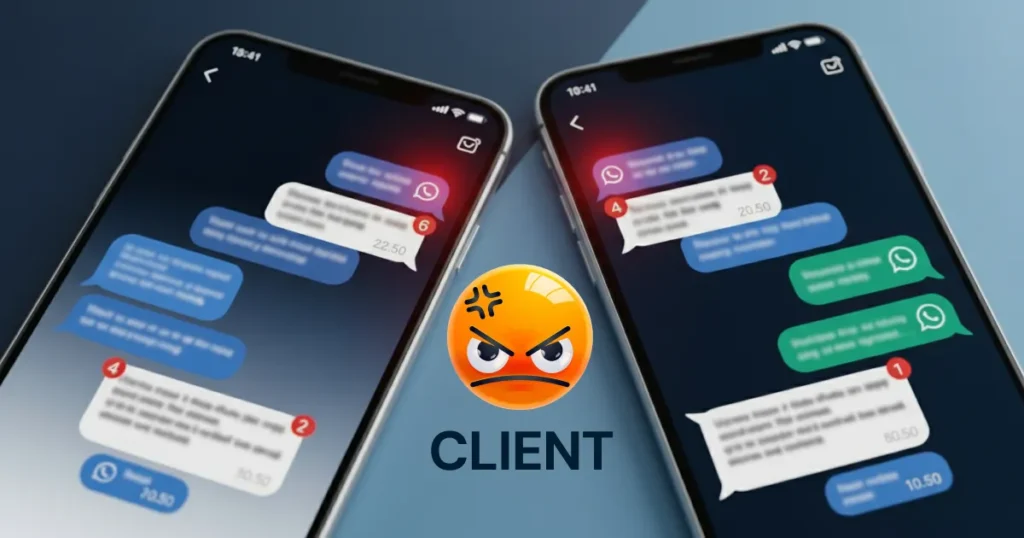
But here’s the problem: WhatsApp was made for personal chats, not for team collaboration.
Real Example: The Lost Deal
Imagine this scenario: your sales team member, Priya, gets a WhatsApp message from a customer asking about your software price. She’s in a meeting, so she doesn’t respond immediately. The client messages again three hours later. This time, your colleague Rahul sees the notification but assumes Priya already handled it. The client waits 6 hours for a response and signs with your competitor.
This happens daily in businesses without a WhatsApp unified inbox.
Learn more about centralized communication →
How Businesses Use WhatsApp (And Where It Breaks Down)
Businesses use WhatsApp for three main purposes:
1. Customer Support Answering product questions, troubleshooting issues, handling complaints
2. Sales Conversations: Sharing quotes, discussing requirements, closing deals
3. Customer Follow-up:s Onboarding new clients, sending payment reminders, and collecting feedback
The Four Critical Problems
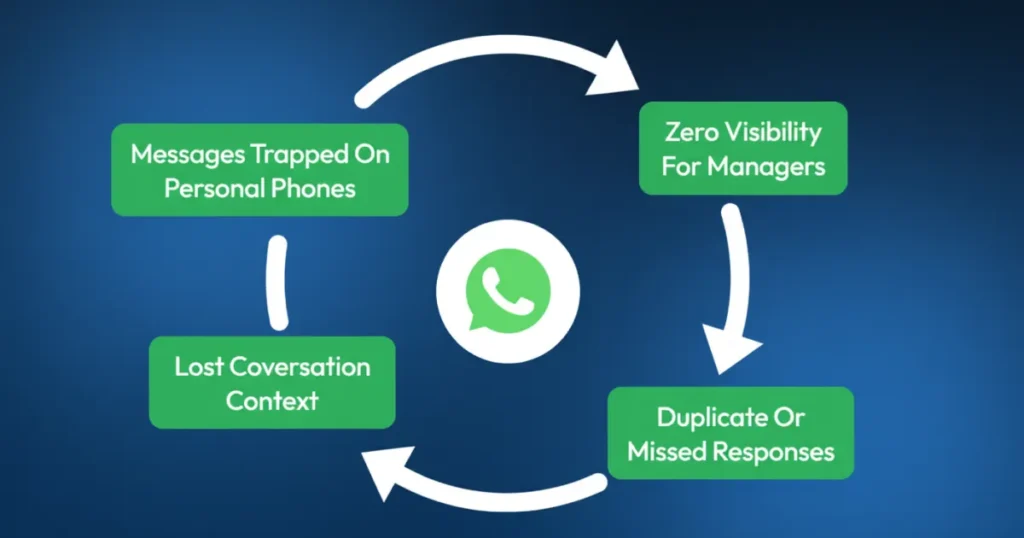
Problem 1: Messages trapped on personal phones. When employees use their personal WhatsApp for work, messages are lost if they are sick, on leave, or leave the company.
Problem 2: Zero visibility. The manager asks, “Did anyone respond to the client?” Nobody knows for sure. Everyone checks their phone individually.
Problem 3: Duplicate or missed responses. Two people reply to the same message (embarrassing), or nobody replies at all (costly).
Problem 4: Lost conversation context. A customer talked to three different team members. None of them knows what the others said. The customer repeats themselves three times.
A 2023 Harvard study found that 67% of customers get annoyed when they have to repeat the same information to different team members.
Why WhatsApp Is Especially Problematic for B2B Companies
B2B customer conversations differ fundamentally from B2C:
● Long sales cycles: Conversations span weeks or months, not minutes
● High transaction values: One lost message could mean a loss in revenue.
● Multiple stakeholders: Different team members handle different stages
● Complex requirements: Detailed technical discussions that need complete context
The Real Cost of WhatsApp Chaos in B2B
A company lost $30,000 because the sales rep’s messages were on his personal phone, and he was away. The client couldn’t reach anyone else who knew the deal details.
Another company gave the same client different prices because team members used their own WhatsApp. The client noticed and questioned their credibility.
These problems disappear with a WhatsApp unified inbox.
What Makes WhatsApp Unified Inbox Different from Regular WhatsApp?
Let me explain with a clear comparison:
Regular WhatsApp Business
● Messages on one person’s phone
● Only that person sees the conversation
● If they’re unavailable, customers wait
● No way to assign or track conversations
● Context is lost when people leave
● Personal phone number tied to business
WhatsApp Unified Inbox
● All messages in one shared platform
● Entire team sees all conversations
● Any available team member can respond
● Clear assignment and ownership
● Complete conversation history preserved
● Professional business number, multiple users
Plus, a WhatsApp unified inbox combines WhatsApp with email, live chat, Instagram, and Facebook messages in one place. Your team doesn’t switch between apps.
How a Unified Inbox Transforms WhatsApp from Chaos to Control
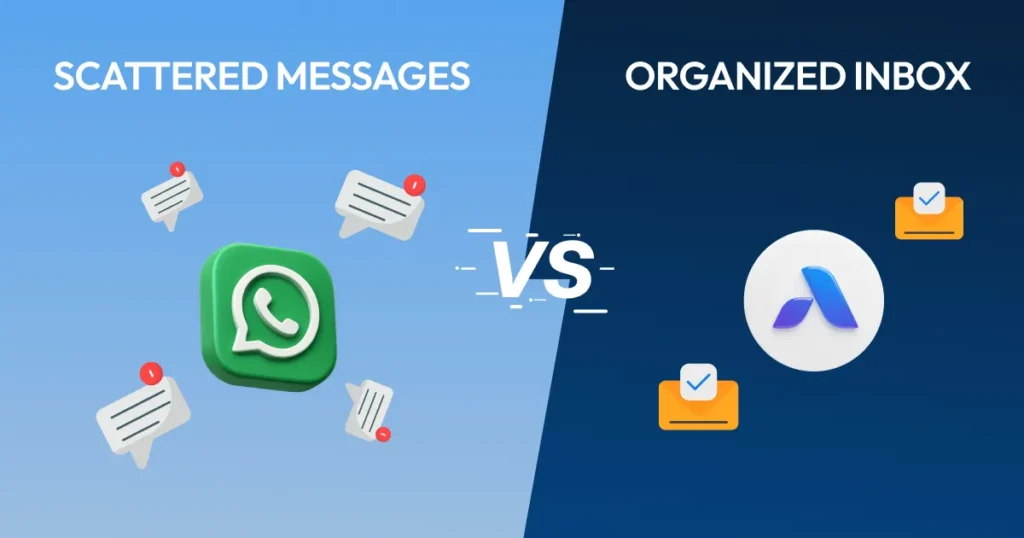
1. Centralized Visibility
Every WhatsApp message appears in the shared inbox instantly. Your entire team sees it.
Practical benefit: Your manager asks, “Has anyone contacted the client about the delayed shipment?” Everyone checks the same WhatsApp unified inbox and knows immediately. No confusion. No duplicate checking.
2. Clear Ownership and Assignment
The system lets you assign specific conversations to specific team members.
How it works:
- New WhatsApp message arrives
- Manager sees it in the unified inbox
- Assigns it to Amit (product specialist)
- Amit gets notified
- Everyone else sees “Amit is handling this.”
Result: Zero duplicate replies. Zero ignored messages. Clear accountability.
3. Internal Team Collaboration
Your team needs to discuss customer issues privately. The WhatsApp unified inbox allows internal notes that customers never see.
Real scenario: Customer asks a complex technical question. Your support agent tags your technical team member in an internal note: “@Vikram – Can you help with this API integration question?” Vikram replies, the support agent gives the right answer, and the customer gets smooth, professional service.
4. Complete Conversation History
Every interaction is saved and searchable. When a customer messages you six months later, your team sees:
● Previous purchases
● Past complaints and how they were resolved
● Preferences they mentioned
● All previous WhatsApp conversations
● Related emails or chat messages
This context transforms customer service quality.
A 2024 Zendesk report found that 76% of customers want agents to know about their past interactions. A WhatsApp unified inbox delivers this automatically.
5. Faster Response Times
When any team member can help a customer right away, replies happen much faster.
Companies using Airchannel’s WhatsApp inbox cut their average reply time from 4.2 hours to 47 minutes, an 81% improvement.
6. Consistent Communication
Everyone uses the same templates, sees the same information, and follows the same guidelines. Customers receive consistent answers regardless of who responds.
Problem solved: No more telling one customer “delivery takes 3 days” while telling another “delivery takes 5-7 days.”
Measuring the Real Business Impact
Companies implementing a WhatsApp unified inbox typically see:
● 40-50% faster response times (from hours to minutes)
● 60-70% reduction in missed messages (nothing falls through cracks)
● 3x increase in team capacity (handle more conversations without hiring)
● 25-35% improvement in customer satisfaction (CSAT scores)
● 15-20% increase in conversion rates (faster response = more sales)
These aren’t marketing claims. These are actual results from businesses using unified inboxes.
Essential Features Your WhatsApp Unified Inbox Must Have
Not all unified inboxes are equal. Here’s what actually matters:
1. WhatsApp Business API Integration: Connects your official WhatsApp Business account, not personal numbers
2. Multi-Agent Access: Unlimited team members can use the same WhatsApp number
3. Smart Assignment: Auto-route conversations based on keywords, customer type, or team availability
4. Collision Detection: The system warns when two people try to respond to the same message
5. Quick Reply Templates: Save common responses for FAQs, greetings, and standard processes
6. Customer Details Panel: See order history, previous conversations, and custom tags in one view
7. Mobile App: Your team needs to respond from anywhere, not just desktops
8. Analytics Dashboard: Track response times, conversation volume, and team performance
9. Internal Notes and Tags: Collaborate privately without customers seeing the discussion
10. Multi-Channel Integration: Combine WhatsApp with email, Instagram, Facebook, and live chat
Common Questions About WhatsApp Unified Inbox
Can we use our existing WhatsApp Business number?
Yes. Your WhatsApp unified inbox connects to your existing WhatsApp Business API account. Your number stays the same. Your customers see no difference.
What happens to our conversation history?
All existing conversations migrate to the unified inbox. Nothing gets lost. You gain better organization and searchability.
How long does setup take?
Most businesses connect their WhatsApp Business account to a WhatsApp unified inbox in under 30 minutes. Team training takes another 30-60 minutes.
Can we still use WhatsApp on phones?
Yes and no. Team members won’t use personal WhatsApp for business anymore. They can use the WhatsApp unified inbox on desktop, browser, or phone, which works much better.
Will customers notice any change?
No. They message your WhatsApp number exactly as before. They receive responses exactly as before. Your team works better, replies faster, and can see everything clearly.
Why Growing B2B Companies Need This Now
B2B companies face unique scaling challenges with WhatsApp:
Challenge 1: Long Sales Cycles When deals take 3-6 months, you can’t afford to lose conversation context. The WhatsApp unified inbox maintains a complete history across the entire customer journey.
Challenge 2: Team Changes People get promoted, move roles, or leave the company. A unified inbox keeps all important information with your business, not on someone’s personal phone.
Challenge 3: Professional Image Using personal WhatsApp numbers looks unprofessional for high-value B2B deals. A proper WhatsApp unified inbox presents organized, credible communication.
Challenge 4: Compliance and Security B2B conversations often include sensitive information. Unified inboxes provide better security, audit trails, and data control than personal phones.
The Alternatives (And Why They Don’t Work)
Some businesses try these workarounds instead of a proper WhatsApp unified inbox:
Alternative 1: Shared phone for WhatsApp
Problem: Only one person can use it at a time. Passing phones around is inefficient and unprofessional.
Alternative 2: WhatsApp groups for internal coordination
Problem: Still doesn’t give shared access to customer conversations. Just adds another layer of confusion.
Alternative 3: Manual Google Sheets tracking
Problem: Takes too much time. Information gets outdated instantly. Doesn’t solve the visibility problem.
Alternative 4: Taking screenshots and sharing
Problem: Screenshots miss context. Not searchable. Information is scattered across multiple chats.
None of these alternatives provides the control, visibility, and efficiency of a true WhatsApp unified inbox.
Your Next Steps
You have two choices:
Choice 1: Continue with WhatsApp chaos
- Messages scattered across personal phones
- Missed conversations are costing you deals
- Team frustration and inefficiency
- Customers waiting hours for responses
- No way to measure or improve
Choice 2: Implement a WhatsApp unified inbox
- Centralized visibility for the entire team
- No missed messages
- Faster response times
- Happy customers and team
- Clear metrics and continuous improvement
The companies winning in your industry have already made Choice 2.
Take Control Today
Stop losing customers to WhatsApp chaos. Stop stressing about missed messages. Stop relying on personal phones for business communication.
Try Airchannel AI – Connect your WhatsApp Business account in minutes. No credit card required. No complicated setup. Just instant organization and control.
What you get:
- Full WhatsApp unified inbox access
- Email, Outlook, IMAP
- Unlimited team members
- 24/7 support during trial
- See results in the first week
Your customers deserve fast, organized communication. Your team deserves proper tools. Your business deserves to scale without chaos.
Questions before trying? Book a 15-minute demo and see exactly how a WhatsApp unified inbox works for businesses like yours.