The Shared Email Problem
Your team uses info@company.com or support@company.com. But here’s what happens:
- Three people reply to the same email
- Messages get missed completely
- No one knows who’s handling what
- Customers get confused by mixed answers
You’re not alone. Most teams struggle with shared email accounts. Email overload costs businesses $15,000 per employee per year (McKinsey)
The question everyone asks: Can multiple users manage and reply to emails from a single shared inbox without creating chaos?
The answer: Yes! With the right tools, your team can work together smoothly. Let’s see how.
What Is a Shared Inbox?
One email address that multiple people can access:
Common examples:
- support@yourcompany.com
- sales@yourcompany.com
- info@yourcompany.com
- team@yourcompany.com
The old way (doesn’t work):
- Everyone logs into the same Gmail account
- Forwarding emails to each other
- CC’ing the whole team on everything
- Chaos and confusion
The new way (actually works):
- Unified inbox platforms built for teams
- Everyone sees all emails in one place
- Clear ownership of each conversation
- Unified communications that make sense
Why Teams Need Better Email Solutions
Customer expectations:
- Fast response times (under 1 hour)
- Consistent answers from your team
- No repeated questions
- Professional communication
Team needs:
- Know who’s handling each email
- Avoid duplicate replies
- Share workload fairly
- Collaborate on tough questions
Business requirements:
- Track all customer conversations
- Measure team performance
- Maintain quality standards
- Scale support as you grow
Can multiple users manage and reply to emails from a single shared inbox? Only with proper tools.
Problems with Traditional Email Sharing
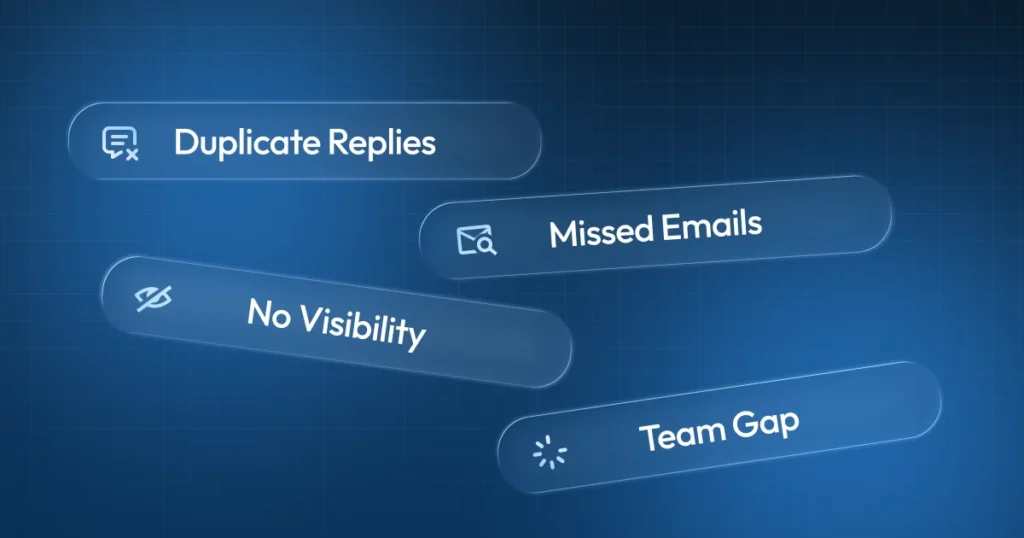
Duplicate responses:
- Two team members reply to the same email
- Customer gets confused
- Looks unprofessional
- Wastes team time
Missed emails:
- Everyone thinks someone else replied
- Customer waits forever
- Complaints pile up
- Damage to reputation
No visibility:
- Can’t see who’s working on what
- No way to track response times
- Can’t measure performance
- Impossible to improve
Zero team collaboration:
- Can’t ask for help easily
- No internal notes or context
- Hard to hand off conversations
- Training new people is painful
How Modern Email Platforms Work
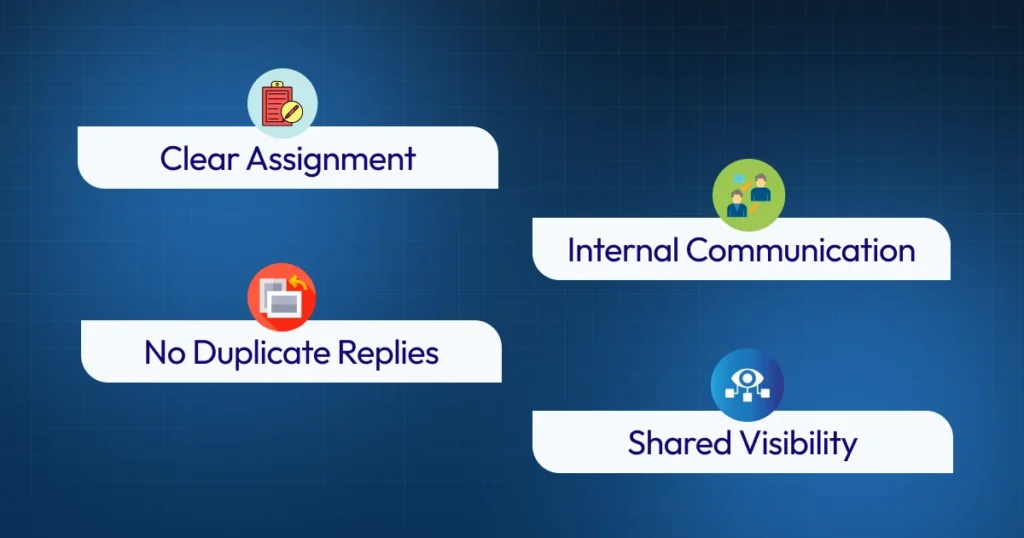
Modern unified inbox tools fix these problems:
Clear assignment:
- Assign emails to specific team members
- See who owns each conversation
- Track status (new, in progress, resolved)
- Nothing falls through cracks
No duplicate replies:
- See when someone’s already replying
- Prevent duplicate responses
- Save time and avoid confusion
- Look professional to customers
Shared visibility:
- Everyone sees all emails
- Full conversation history available
- Know what teammates are handling
- Better team collaboration instantly
Internal communication:
- Add private notes teammates can see
- Ask questions without confusing customers
- Share context during handoffs
- Work together on complex issues
Key Features of Good Email Management Solutions
Smart Email Assignment
Auto-assign or manual:
- Route by topic or keyword
- Assign to available team members
- Balance workload automatically
- Priority handling for urgent emails
Benefits:
- Faster response times
- Fair work distribution
- Clear responsibility
- Less confusion
Team Collaboration Tools
Work together seamlessly:
- Internal comments on emails
- Tag teammates for help
- Share draft responses
- Get approval before sending
Why it matters:
- Better quality responses
- Learn from experienced teammates
- Solve problems faster
- Deliver customized experience
Conversation History and Context
See the full picture:
- All past emails with that customer
- Previous issues and resolutions
- Customer preferences noted
- Complete relationship timeline
Results:
- No asking customers to repeat themselves
- Personalized responses
- Professional service
- Stronger relationships
Performance Tracking
Measure what matters:
- Response times per person
- Emails handled per day
- Customer satisfaction ratings
- Resolution speed
Use it to:
- Identify training needs
- Reward top performers
- Optimize workflows
- Improve continuously
Can Multiple Users Manage and Reply to Emails from a Single Shared Inbox? Yes, Here’s How
With Airchannel’s Unified Inbox
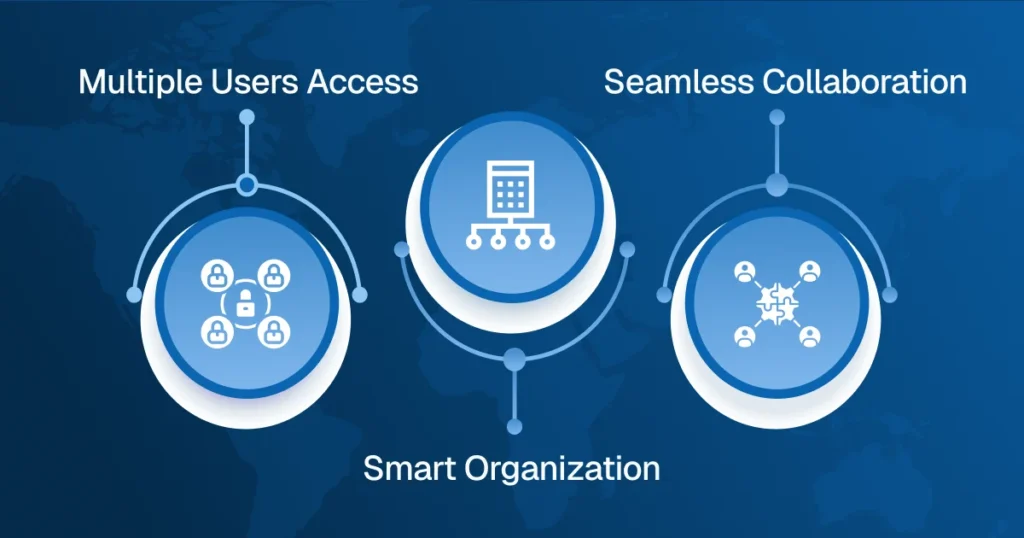
Airchannel makes shared email management simple:
Multiple user access:
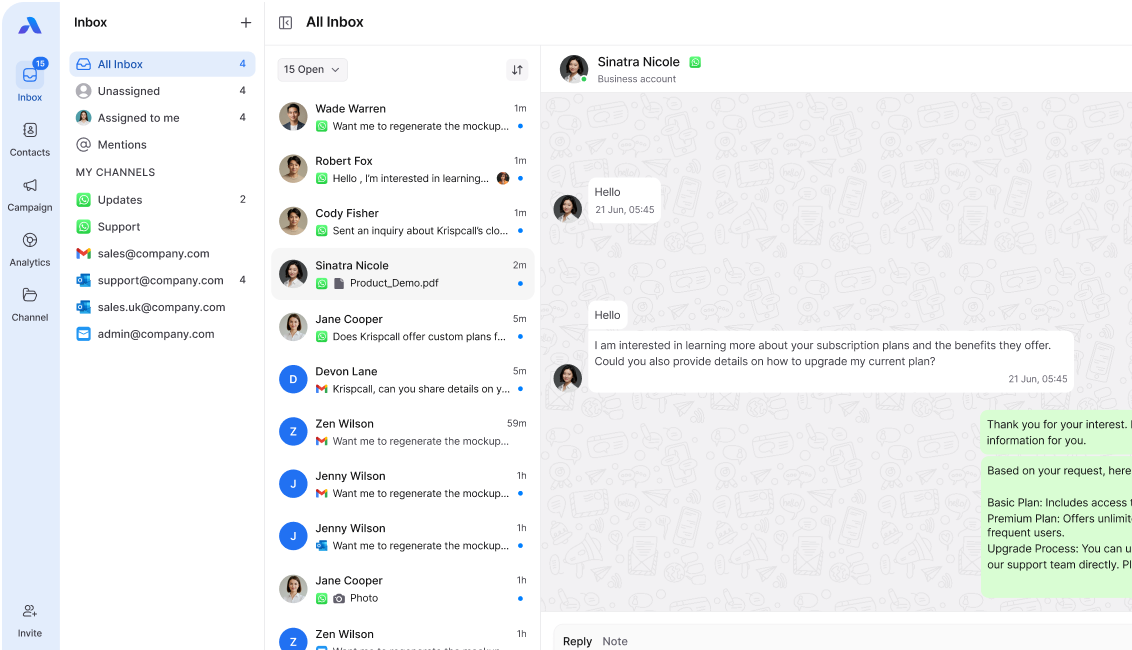
- Whole team works from one dashboard
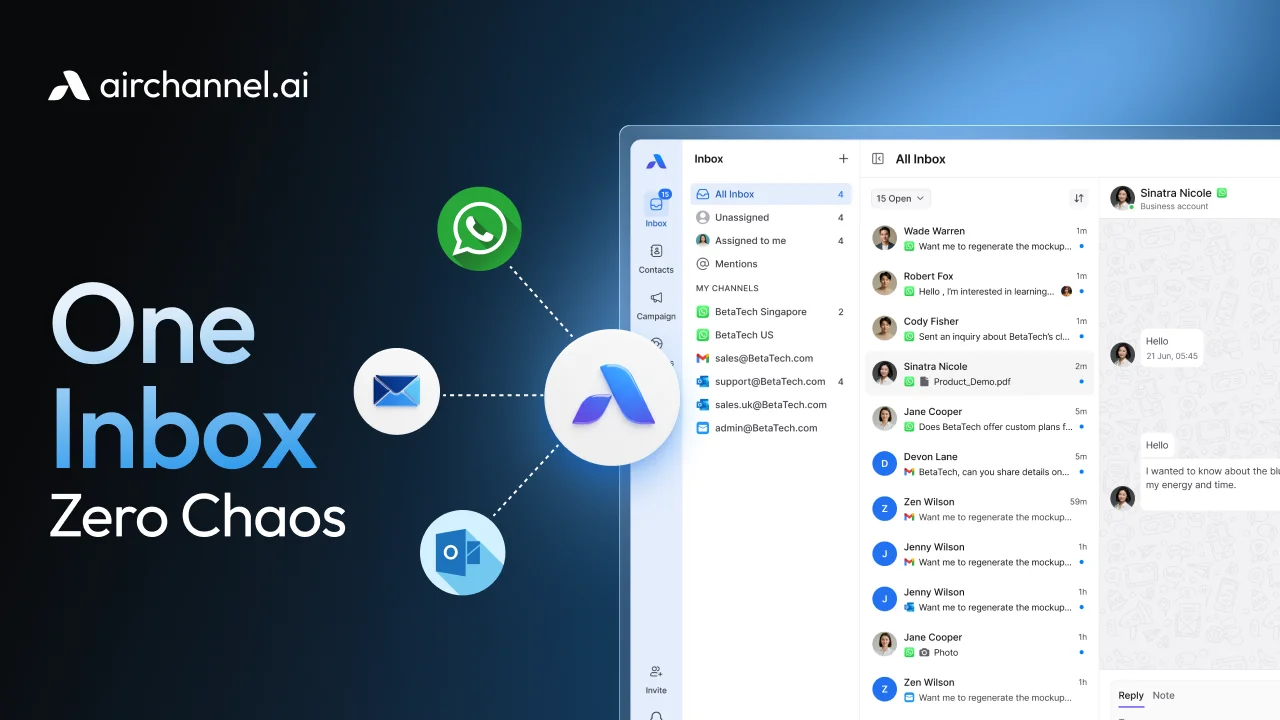
- See all emails in unified inbox
- Real-time updates for everyone
- No login sharing needed
Smart organization:
- Assign emails with one click
- Track status automatically
- Filter by priority or team member
- Never lose track of emails
Seamless collaboration:
- Private internal notes
- Team mentions and tagging
- Draft sharing before sending
- Unified messaging across platforms
Beyond just email:
- All customer communication centralized
- Works as mini CRM
- Complete unified communications solution
Real-World Benefits
For team members:
- Know exactly what to work on
- See full context immediately
- Get help when needed
- Saving time on coordination
For managers:
- Monitor team performance
- Identify bottlenecks quickly
- Distribute work effectively
- Coach based on real data
For customers:
- Faster response times
- Consistent quality
- No duplicate messages
- Customized experience every time
Common Questions Answered
Q: Won’t everyone see my drafts?
- Only if you want them to
- Drafts are private by default
- Share when you need feedback
Q: What if someone’s already replying?
- Good email tools show this
- You’ll see they’re working on it
- Prevents duplicate responses
Q: Can we use it with Gmail/Outlook?
- Yes! Most unified inbox platforms integrate
- Keep your existing email setup
- Add collaboration on top
Q: Is it hard to set up?
- Not with the right tool
- Airchannel sets up in minutes
- Team training is simple
- Start improving immediately
Conclusion: Yes, Multiple Users Can Work Together Successfully
Can multiple users manage and reply to emails from a single shared inbox? Absolutely, when you have the right unified inbox platform.
What changes with proper tools:
- No more duplicate responses
- Faster response times for customers
- Better team collaboration
- Clear accountability
- Professional customer communication
The difference:
- Traditional shared email = chaos
- Unified inbox platform = smooth operation
Stop struggling with shared email addresses the old way.
Transform Your Team Email Today
Tired of email chaos? Airchannel fixes it.
Here’s What You Get:
Multiple users, zero confusion – Everyone works together smoothly
No duplicate replies – See who’s handling each email instantly
Lightning-fast response times – Organized inbox = happy customers
Complete team collaboration – Internal notes, assignments, tracking
Works with your current email – Keep Gmail, Outlook, whatever you use
Why Teams Love Airchannel:
⏱️ Save 2+ hours per day per team member
😊 Customers get better, faster support
📊 Track performance with real data
🚀 Scale your team without the mess
💼 Professional service every time
Can multiple users manage and reply to emails from a single shared inbox? With Airchannel, it’s not just possible, it’s easy.
Stop the Email Chaos Now
Your team deserves better than shared Gmail logins and forwarded emails.
Try Airchannel.ai – Set up in minutes. See the difference immediately.
Join teams that are handling emails the smart way with AirChannel’s all-in-one platform.