Introduction: Too Many Tools, Too Much Noise
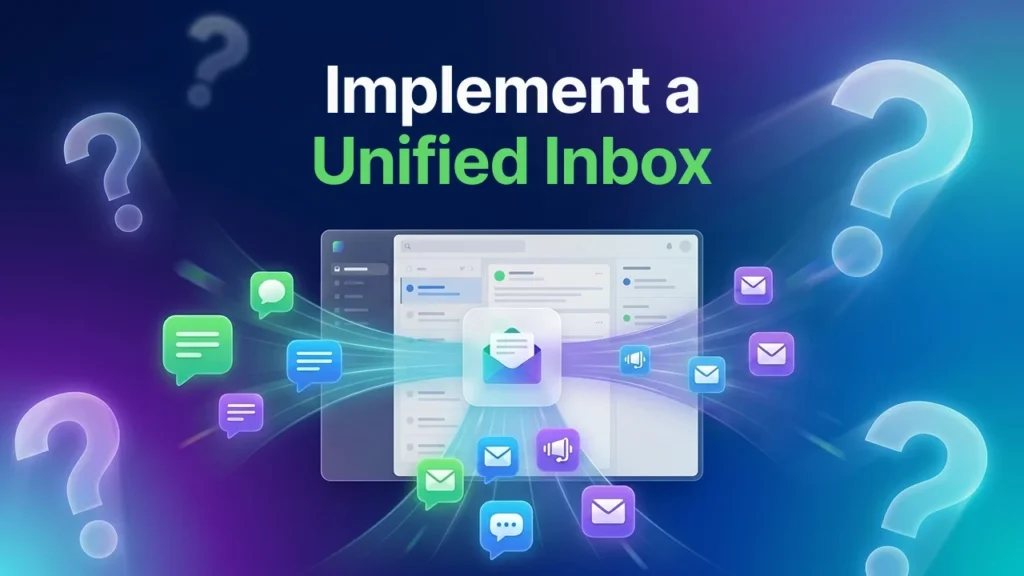
Most customer-facing teams are drowning in tabs. There is one app for internal chat, another for customer email, a third for SMS, and a fourth for video calls. Switching between all of them kills focus, slows response times, and leads to dropped conversations.
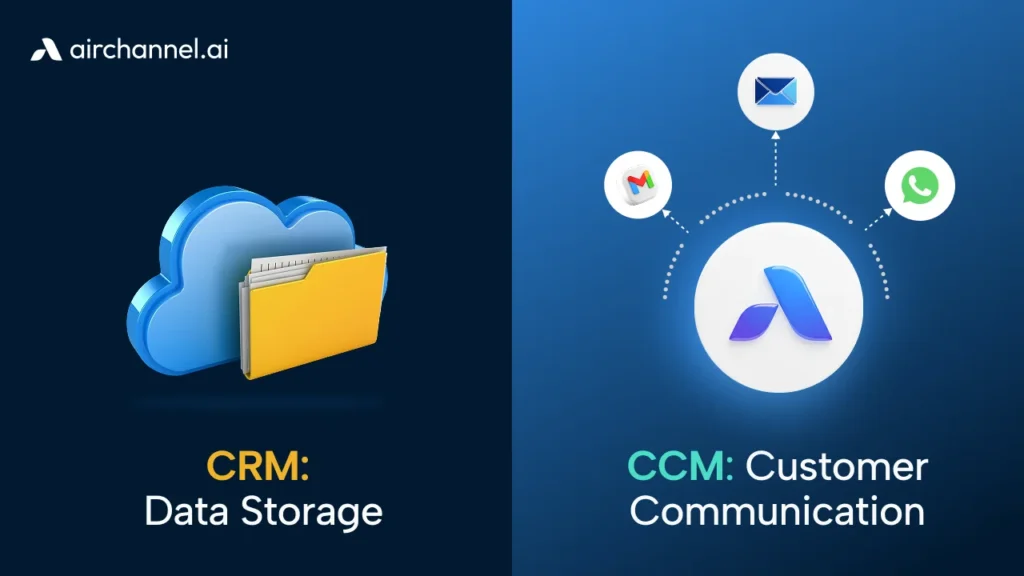
Customer communication tools are software platforms used to manage, automate, and streamline interactions between a business and its customers across channels like email, SMS, and WhatsApp. In 2026, the best customer communication tools use AI to unify these channels into a single inbox, reducing ‘cognitive load’ for support teams and improving response times for customers.
This guide covers the 10 best options for 2026, which each tool is built for, and how to decide what belongs in your stack.
The Real Problem: Cognitive Load Is Costing You, Customers
There is a concept called cognitive load. It refers to the mental effort required to switch between tasks and contexts. In a customer support environment, this shows up every time an agent closes a Slack message, opens an email thread, switches to WhatsApp, and then jumps back to Slack to ask a colleague a question.
Each switch costs about 23 minutes of deep focus, according to research from the University of California. Multiply that by 20 context switches a day, and your team is operating at a fraction of their real capacity.
The fix is not to tell your team to focus harder. The fix is to use customer communication tools that reduce the number of places they need to look. The best tools in 2026 consolidate channels, surface context automatically, and keep both internal and external conversations in one place.
What to Look for in Customer Communication Tools
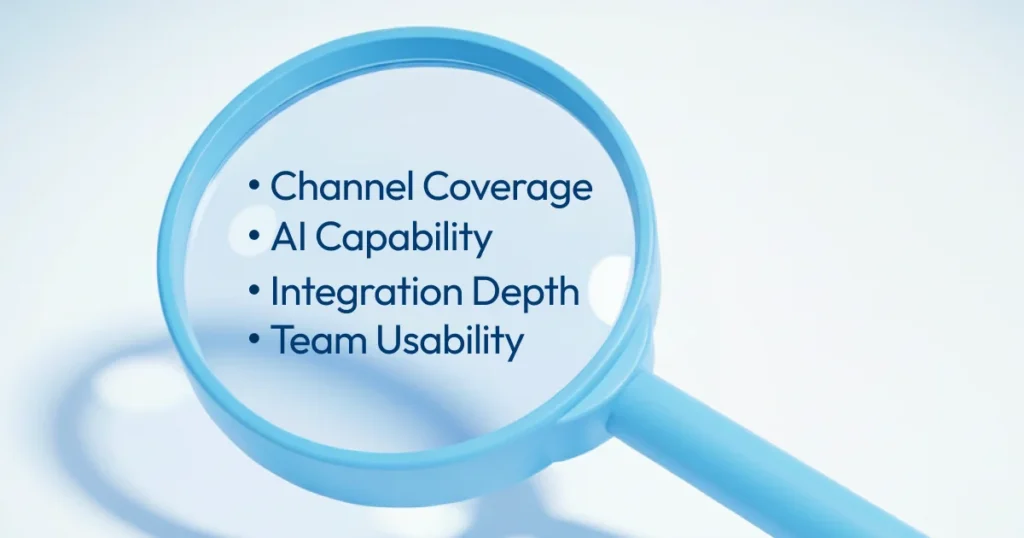
Before the list, here are four things that separate a good tool from one that creates more problems than it solves.
Channel coverage. Does it handle the channels your customers actually use? Email, WhatsApp, and SMS are table stakes in 2026.
AI capability. Can it automate Tier-1 responses, detect sentiment, and hand off to a human agent smoothly?
Integration depth. Does it connect to your CRM, helpdesk, and billing tools, or does it sit in its own silo?
Team usability. If your agents need a week of training to use it, the adoption rate will be low, and the ROI will follow.
For a detailed breakdown of which channels to prioritize before choosing a tool, read our guide to customer communication channels.
The 10 Best Customer Communication Tools for 2026
1. Airchannel.ai — Best for AI-Driven Customer Communication
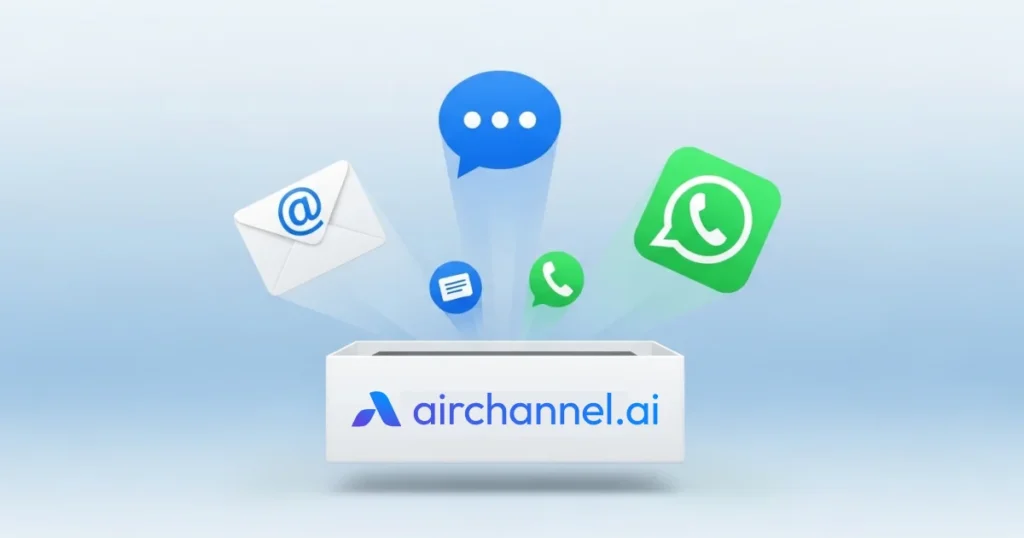
Airchannel.ai is the strongest all-in-one option on this list for teams that want AI to do the heavy lifting without losing the human touch.
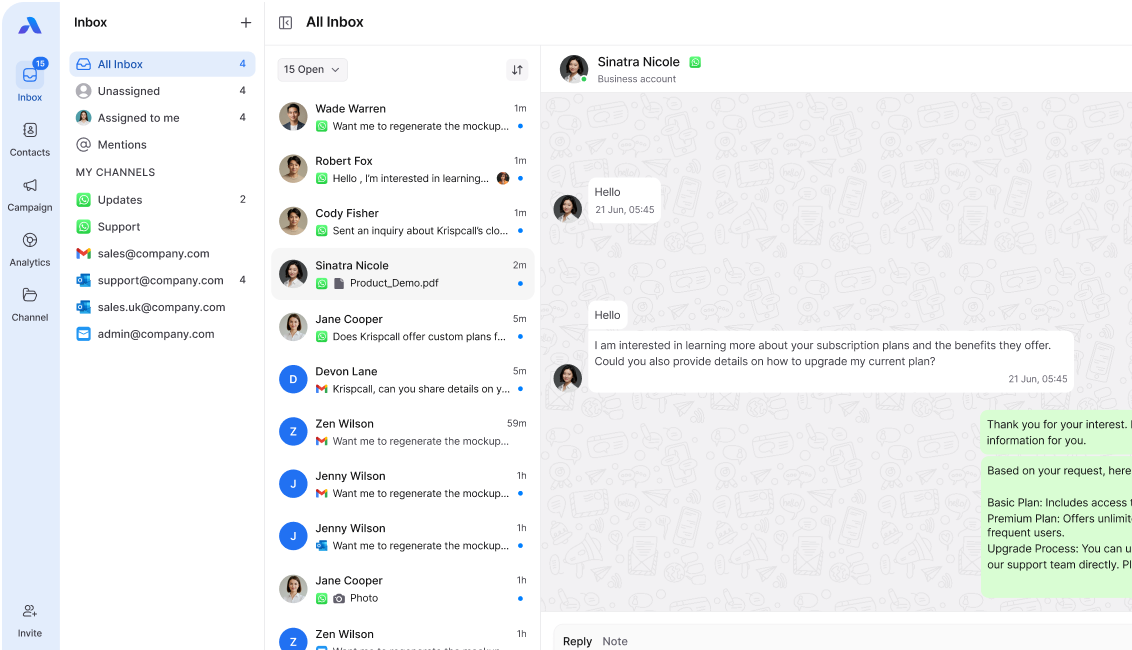
It unifies WhatsApp, SMS, and email into a single AI-managed flow. Instead of agents switching between three platforms, everything lives in one inbox. The AI handles Tier-1 queries automatically, routes complex conversations to the right human agent, and passes full conversation history along with the handoff.
What makes it stand out in 2026:
Airchannel.ai uses a human-in-the-loop model. The AI handles volume. A human reviews and approves messages in sensitive situations. This means you get speed at scale without the risk of a bot saying the wrong thing during a complaint or refund dispute.
It also solves the cognitive load problem directly. Internal notes and customer-facing messages live in the same thread. Agents do not need to jump between Slack and a separate helpdesk to coordinate.
Best for: B2B and B2C teams that handle high message volume across multiple channels and want AI to manage the first line of contact.
Key features: Unified WhatsApp, SMS, and email inbox. AI triage and routing. Human-in-the-loop escalation. Tone monitoring. Template library with personalization.
2. HubSpot Service Hub — Best for CRM-Connected Support
HubSpot combines your customer communication tools with your sales and marketing data in one place. When a customer contacts support, the agent can see the full history: what they bought, when they last spoke to sales, and any open deals.
Best for: Growing businesses that already use HubSpot for sales and want to connect support to the same data.
Key features: Shared inbox, live chat, email ticketing, knowledge base, and NPS surveys.
Limitation: The AI features are improving, but still lag behind dedicated AI-first tools like Airchannel.ai.
3. Intercom — Best for Product-Led Support
Intercom is built for software companies. It lets you trigger messages based on what a user does inside your product. If someone visits the pricing page three times without converting, Intercom can fire a targeted chat message automatically.
Best for: SaaS businesses that want to connect product behavior to support and sales outreach.
Key features: In-app messaging, AI chatbot (Fin), proactive outreach triggers, and customer segmentation.
Limitation: Pricing scales quickly as your contact list grows.
4. Zendesk — Best for Large-Scale Support Operations
Zendesk is the infrastructure choice. It handles high ticket volumes, complex routing rules, and detailed reporting. If you are managing thousands of support interactions a day across multiple teams, Zendesk gives you the controls to do it cleanly.
Best for: Enterprise support teams that need structured workflows, SLA tracking, and deep reporting.
Key features: Ticket management, AI-powered triage, multi-channel support, and a robust app marketplace.
Limitation: Setup is complex, and the interface feels heavy for small teams.
5. Slack — Best for Internal Communication That Touches Customer Work
Slack is not a customer-facing tool, but it belongs in every support stack. It is where your team coordinates, escalates, and shares context in real time. The problem is when Slack becomes the place where customer information gets buried and lost.
Best for: Internal team coordination, escalation alerts, and cross-functional communication.
Key features: Channels, threads, workflow automation, and integrations with Zendesk, Intercom, and HubSpot.
Pro tip: Keep Slack for internal use only. Use a dedicated tool like Airchannel.ai for anything customer-facing to avoid cognitive load.
6. Zoom — Best for High-Touch Client Communication
For B2B teams managing enterprise accounts, Zoom is a core customer communication tool, not just a meeting app. Weekly cadence calls, onboarding walkthroughs, and QBRs all happen here.
Best for: Account management teams running structured client relationships.
Key features: Video calls, webinars, Zoom AI Companion for call summaries, and breakout rooms.
Pro tip: Use Zoom’s AI summary feature to send a written follow-up within 30 minutes of every client call. Clients notice the speed.
7. Microsoft Teams — Best for Enterprises Already in the Microsoft Ecosystem
If your business runs on Microsoft 365, Teams is a natural extension for both internal communication and external client meetings. It connects directly with Outlook, SharePoint, and Dynamics 365.
Best for: Enterprise businesses standardized on Microsoft tools.
Key features: Video calls, chat, file sharing, and deep integration with the Microsoft 365 suite.
Limitation: It is less flexible than Slack for support-specific workflows.
8. WhatsApp Business — Best for Global Customer Messaging
WhatsApp has over two billion active users. For businesses serving customers in Asia, Latin America, the Middle East, or Europe, it is often the primary communication channel, not a secondary one.
Best for: Businesses with a global customer base that expects WhatsApp as a standard contact option.
Key features: Verified business profile, quick replies, product catalogs, and broadcast messaging.
Limitation: Managing WhatsApp at scale requires an API integration or a platform like Airchannel.ai that manages it natively.
9. Typeform — Best for Structured Customer Feedback
Typeform is not a messaging tool in the traditional sense. But it belongs in the stack because gathering structured customer feedback is part of communicating with your customers. A well-designed Typeform survey after a support interaction or onboarding session gives you data you cannot get from a five-star rating alone.
Best for: Teams that want qualitative feedback beyond CSAT scores.
Key features: Conversational surveys, conditional logic, NPS tracking, and CRM integrations.
10. Loom — Best for Async Video Communication
Sometimes a short screen recording explains more in two minutes than a five-paragraph email ever could. Loom lets your team record and send video messages to customers for onboarding, product walkthroughs, and complex issue explanations.
Best for: Customer success and onboarding teams that deal with complex products.
Key features: Screen and camera recording, viewer analytics, comments, and easy sharing links.
Top 5 Tools Compared
| Tool | Primary Use | Best Feature | AI Capability |
| Airchannel.ai | Unified omnichannel inbox | WhatsApp, SMS, and email in one AI flow | High: triage, routing, tone monitoring |
| HubSpot | CRM-connected support | Full customer history in every ticket | Medium: AI drafts and chatbot |
| Intercom | Product-led support | Behavior-triggered messaging | High: Fin AI chatbot |
| Zendesk | Enterprise ticketing | SLA management and reporting | Medium: AI triage and suggestions |
| Zoom | Video-based client calls | AI-generated call summaries | Medium: Zoom AI Companion |
How to Build Your Stack Without Overcomplicating It
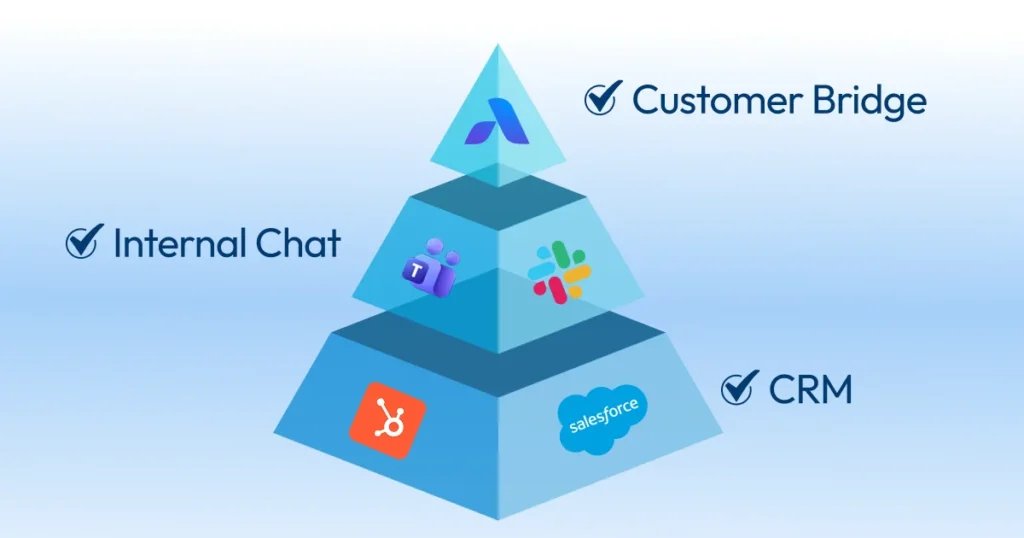
You do not need all 10 tools. Most teams need three to five, depending on their size and customer base.
A practical starting stack for a growing B2B business looks like this. Use Airchannel.ai as your customer-facing hub for WhatsApp, SMS, and email. Use Slack for internal coordination. Use Zoom for high-touch client calls. Add HubSpot or Zendesk, depending on whether your priority is CRM data or ticketing structure.
Start with the channels your customers use most. Build your tool stack around those channels. Do not add a tool until the previous one is running well.
For help deciding which channels to prioritize, read our guide to customer communication channels. For the message templates and tone guidelines that go with each channel, visit our customer communication examples post. And for the full five-step strategy that ties all of this together, read our guide on how to communicate with your customers.
Final Thoughts: Stop Switching, Start Connecting
The best customer communication tools in 2026 are the ones your team will actually use. Fancy features mean nothing if the adoption rate is low and agents are still switching between six different tabs to handle one customer conversation.
The teams winning in 2026 are not using more tools. They are using fewer, better-connected ones. They have one place for customer messages, one place for internal coordination, and one AI layer that handles the volume so humans can focus on the conversations that actually need them.
If you are ready to stop juggling apps and start delivering a consistent customer experience across WhatsApp, SMS, and email, Airchannel.ai is the place to start.
Try Airchannel.ai and unify your customer communication in one AI-powered inbox. Get started today.