Skip to content
Gmail for Teams

Gmail, optimized for teams by AirChannel AI

AirChannel AI connects multiple Gmail accounts into one shared workspace. Assign emails, track replies, and keep teams aligned.

No Gmail changes required.
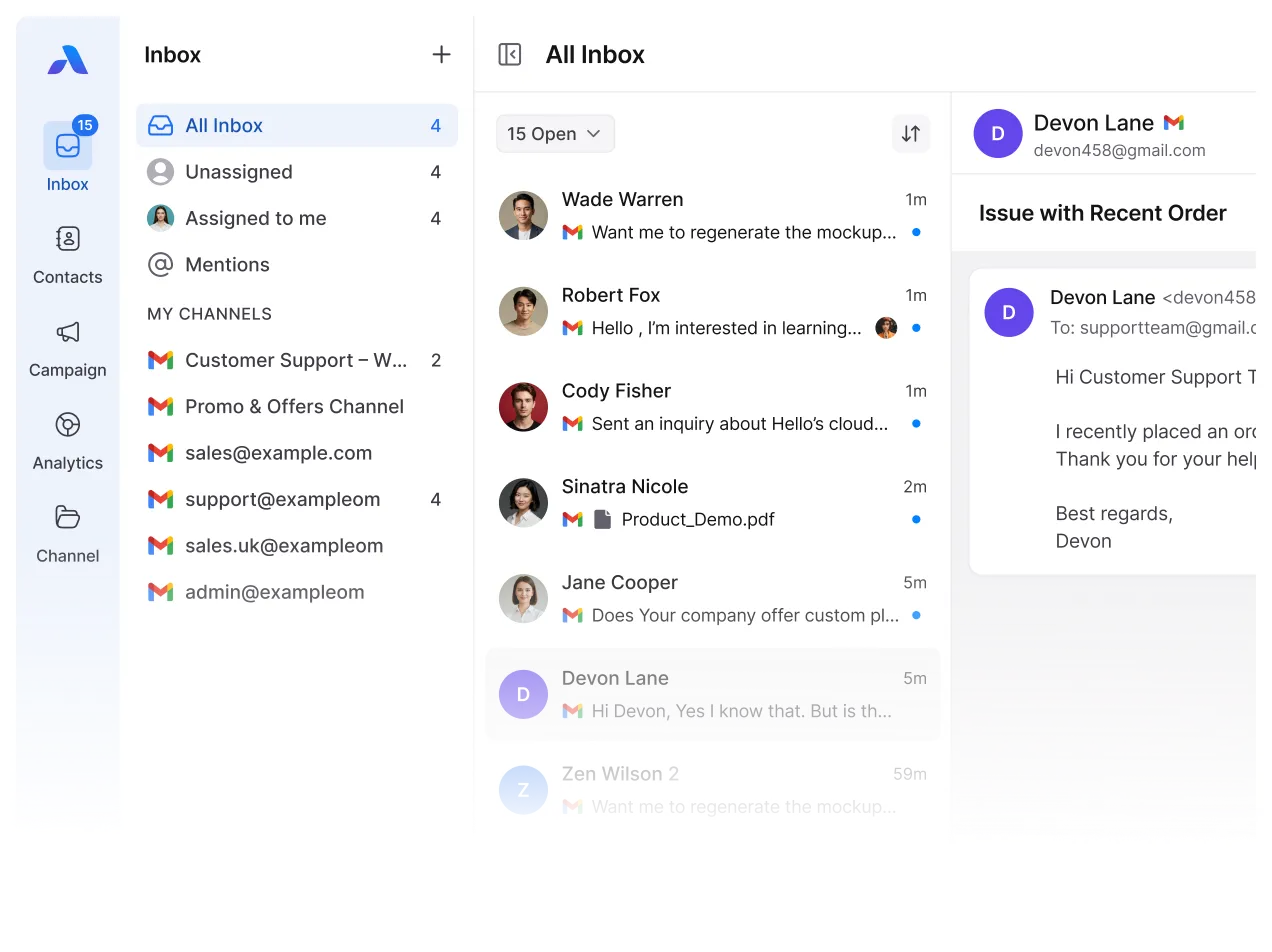
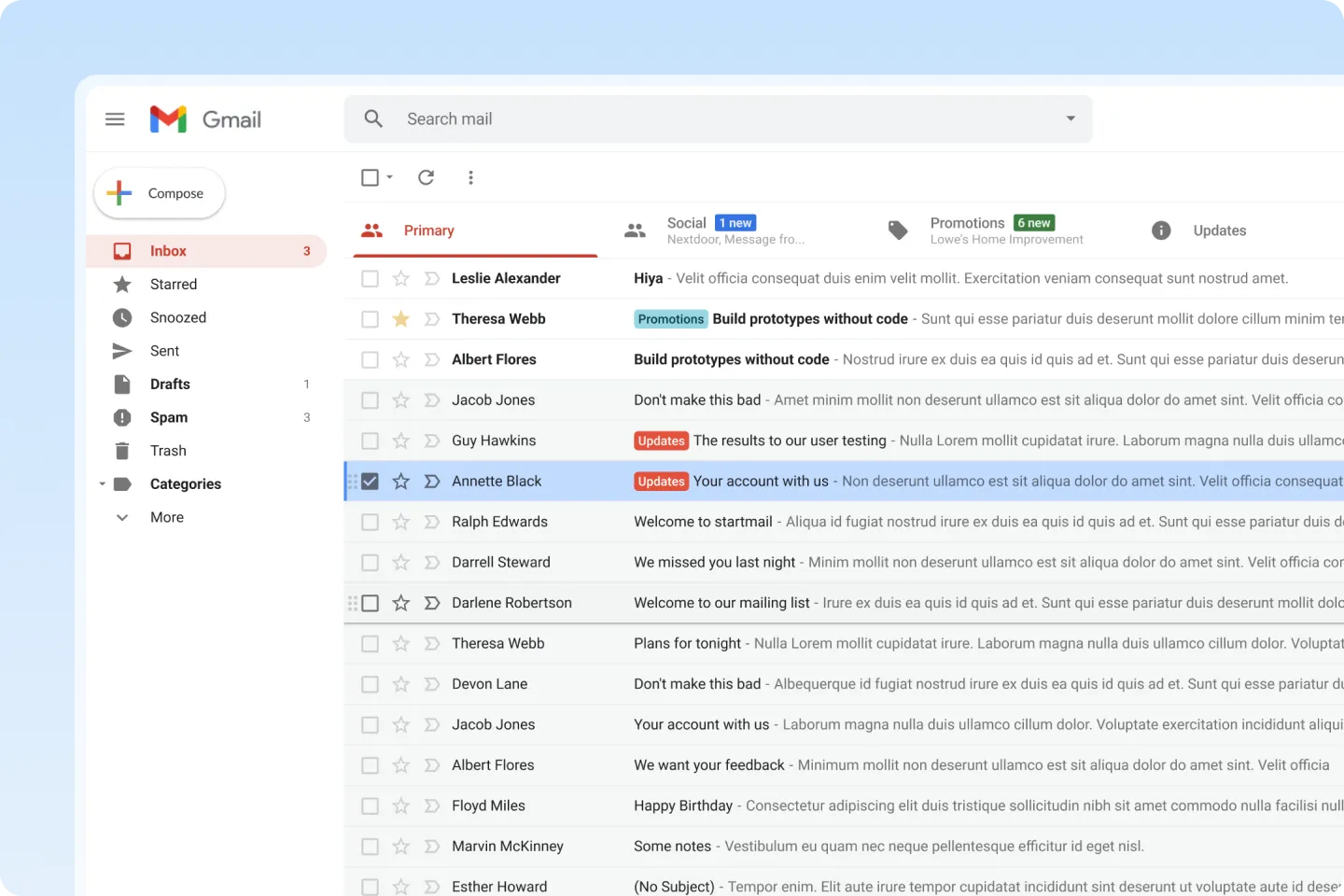
AirChannel customer communication management software showing a Gmail shared inbox optimized for team collaboration and shared email management.
Trusted by fast-growing businesses that want simple, unified communication.
Airchannel dashboard showing a shared Gmail inbox for team email management and collaborative customer support from a unified interface.

Gmail Becomes Hard to Manage as Teams Grow

Gmail is built for individual use. When teams need to manage the same inbox, it starts to break down.

  • An email arrives, but no one is clearly responsible
  • Messages get read, but ownership is unclear
  • Another teammate replies to be safe
  • Attachments and context get buried in long threads
  • Managers can’t see who is working on what
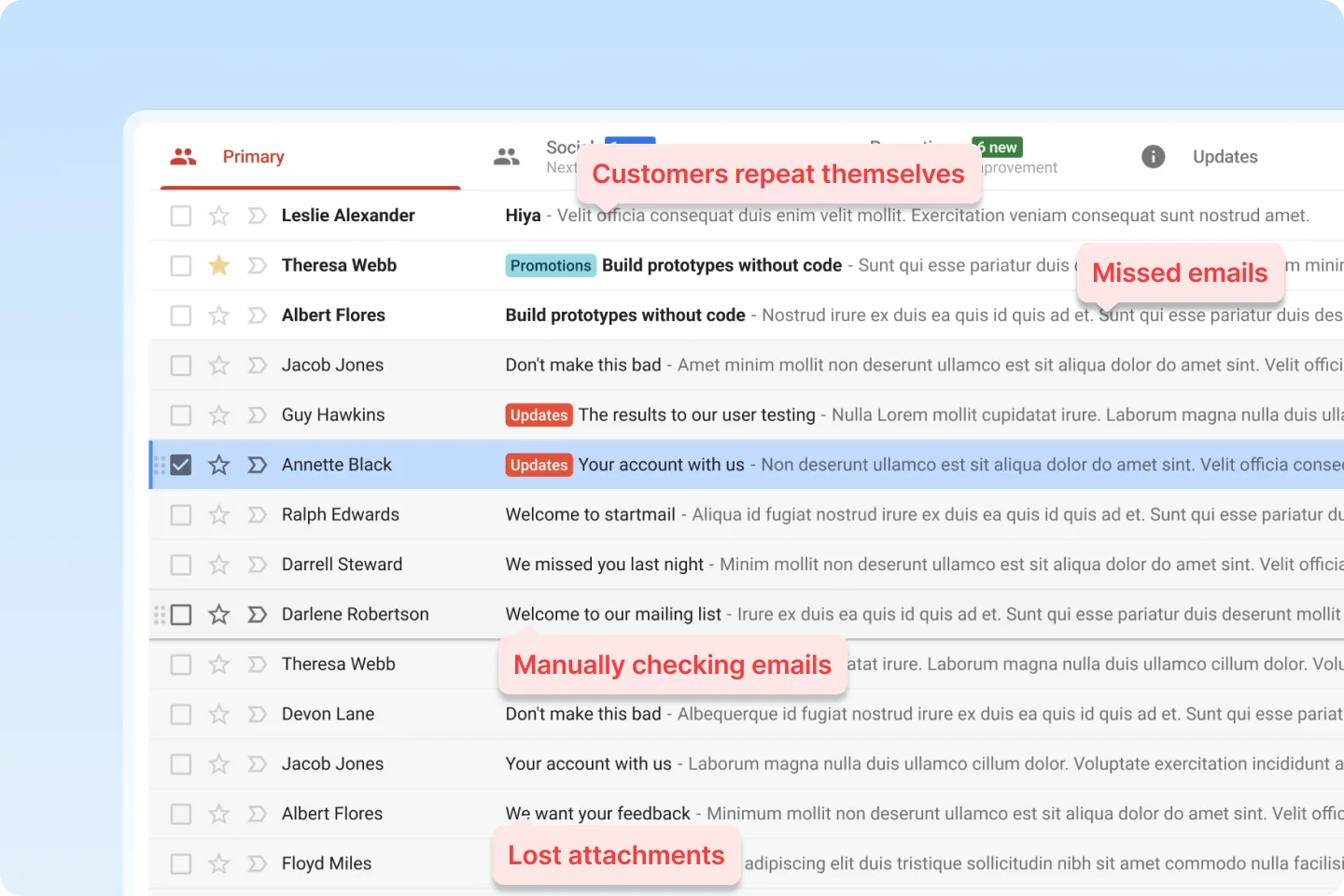
Graphic highlighting Gmail limitations for business teams, including missed emails, lost attachments, and the inefficiency of manual email tracking.

The Hidden Cost of Using Single User Gmail

Lost Emails, Lost Time, Lost Customers.

  • Customers wait longer than they should
  • Team confusion slows response time
  • Missed emails risk losing business
  • Managers spend hours manually checking inboxes
  • Context and attachments get lost in threads

Gmail, With Clear Team Ownership

AirChannel AI adds a collaboration layer on top of Gmail, without changing how email works.

Instead of inbox silos, teams get:
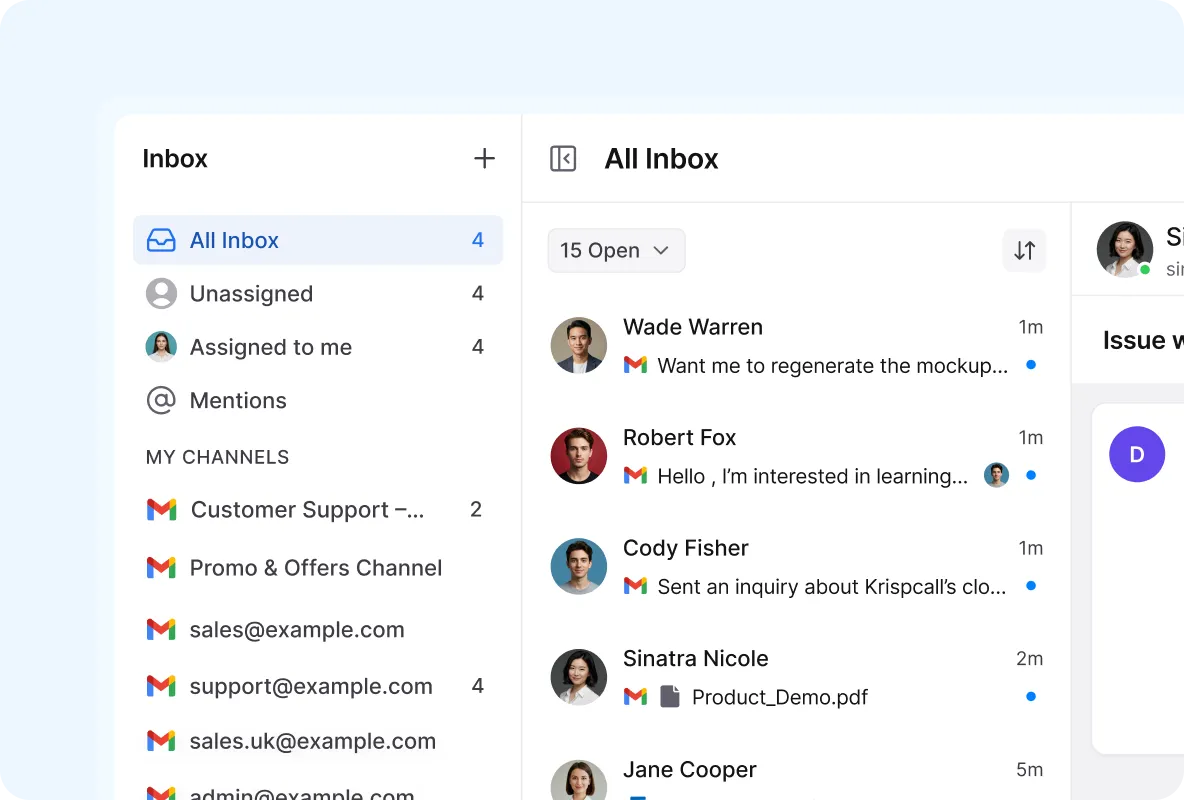
Dashboard of a shared Gmail inbox in a customer communication management software featuring team assignments and mentions for collaborative email handling.
Shared Inbox

Manage every conversation from one place, stay focused, and ensure nothing slips through the cracks.

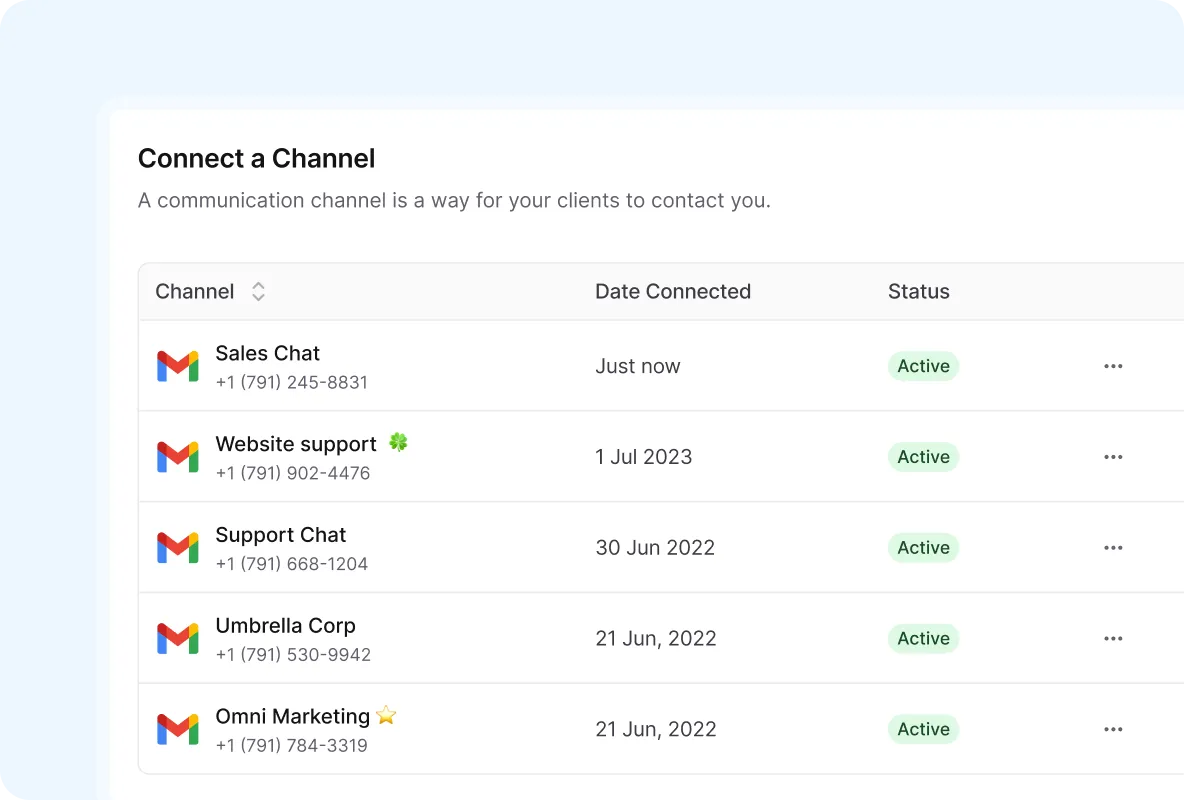
Centralized hub for multi-account Gmail management, allowing businesses to connect and scale several email channels for sales and support in one dashboard.
Multi-Account Scaling

Connect multiple Gmail accounts as your team grows without inbox chaos or lost context.

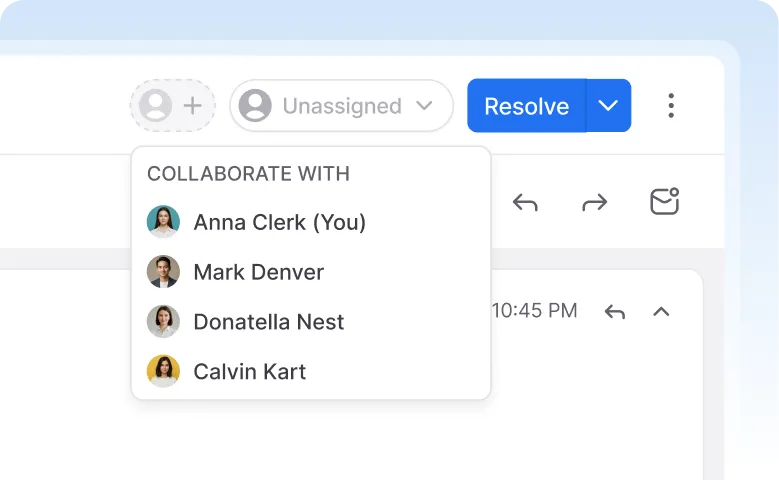
Interface for collaborative Gmail management allowing teams to assign messages to colleagues and resolve inquiries within a shared mailbox workflow.
Built for Collaboration

Work together in real time, without CC chains, and feel like a coordinated, efficient team.

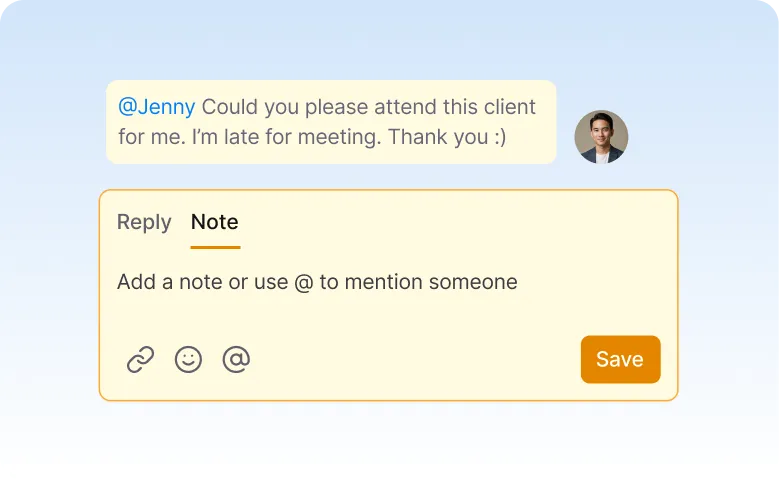
Internal comments and team @mentions on Gmail messages for private collaboration within a shared mailbox interface.
Private Team Notes

Add private comments and context for your team, without customers ever seeing them.

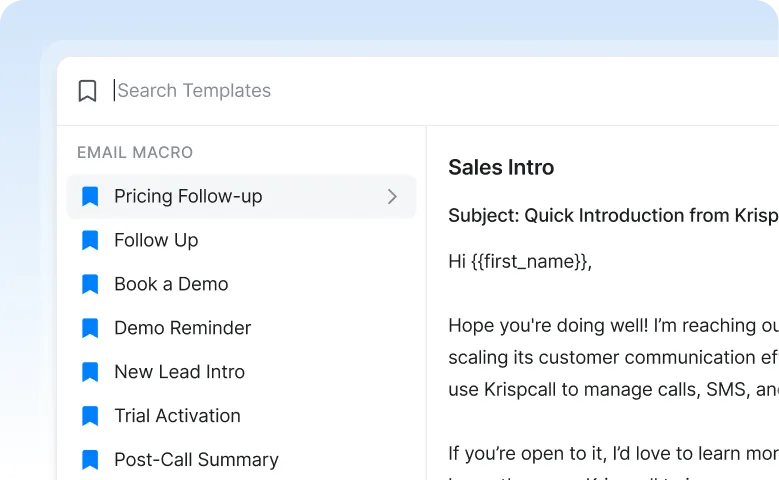
Canned responses and email templates in Gmail for teams to automate follow-ups and improve response speed using pre-written macros.
Quick Replies & Templates

Use pre-written replies to respond faster while keeping messaging consistent across the team.

Better results and faster responses for teams

AirChannel AI gives teams clarity and speed by keeping conversations organized, visible, and easy to manage at scale.

Faster responses

Teams act immediately, with clear ownership and no delays in responding.

Stay Aligned

Everyone knows what’s handled, pending, or needs follow-up at all times.

Work Together Smoothly

Collaborate efficiently and avoid duplicated efforts or missed replies entirely.

Keep Full Context

Customer history is always visible, giving teams full context for every reply.

Your data stays private and under your control

Secure authentication

Your workspace access is protected with secure, verified login controls.

Encrypted data

Your conversations are always encrypted in transit and at rest.

Role-based access controls

Your team access is restricted by roles you fully control.

No email content shared or sold

Your email content is never shared, scanned, or sold to third parties.

HOW IT WORKS

Once connected, Gmail emails appear inside AirChannel AI, ready for team collaboration.

Connect Gmail

Easily integrate Gmail accounts and manage emails together in one inbox.

Emails sync in real time

Keep everyone updated with instant email syncing across your team.

Start conversation

Collaborate seamlessly by turning emails into actionable conversations.

Simple. Secure. Controlled.

Frequently asked questions.

Gmail alone is designed for individuals. AirChannel AI adds shared visibility, assignment, and ownership so teams can manage Gmail together.

Yes. AirChannel AI allows managers to assign Gmail emails and track reply status in real time.

No. Your Gmail account stays exactly the same. AirChannel AI works on top of Gmail.

Yes. Multiple Gmail accounts can be connected and managed from one unified inbox.

Yes. AirChannel AI uses secure authentication, encrypts data, and never shares or sells email content.

Turn Gmail Into a Team Workspace

Connect your Gmail and start collaborating in minutes.
Assign emails. Track replies. Stay in control.

Join Beta Works with your existing Gmail account
Back To Top