
See Every Customer Conversation in One Place
Bring all customer messages into one shared inbox in your unified communications platform so your team stays aligned in real time.
WhatsApp & Email together · Shared visibility · No complex setup










When Conversations Are Scattered,
Visibility Breaks
This isn’t an execution problem.
It’s a visibility problem inside your communication system.
One Shared Inbox Inside Your
Unified Communications Platform
AirChannel AI brings every customer conversation into one shared workspace so teams always know what’s happening, without switching tools.

How the Unified Inbox Creates Shared Visibility
These features work together in your unified communications platform to remove blind spots and keep teams aware as conversations grow.
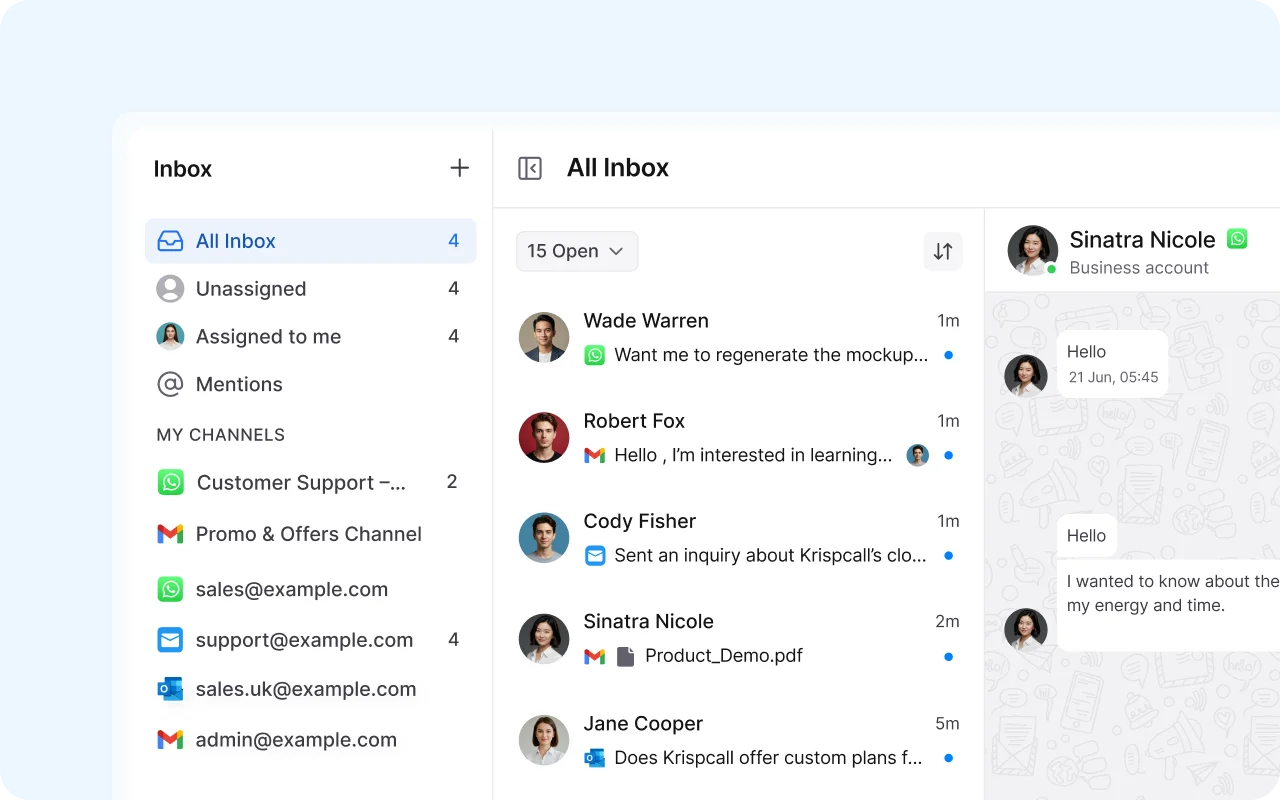
Unified View
See All Conversations in One Place
- View WhatsApp and Email conversations side by side
- One shared timeline per customer
- No switching between inboxes or tools
A single inbox ensures nothing is hidden or overlooked.
Shared Ownership Visibility
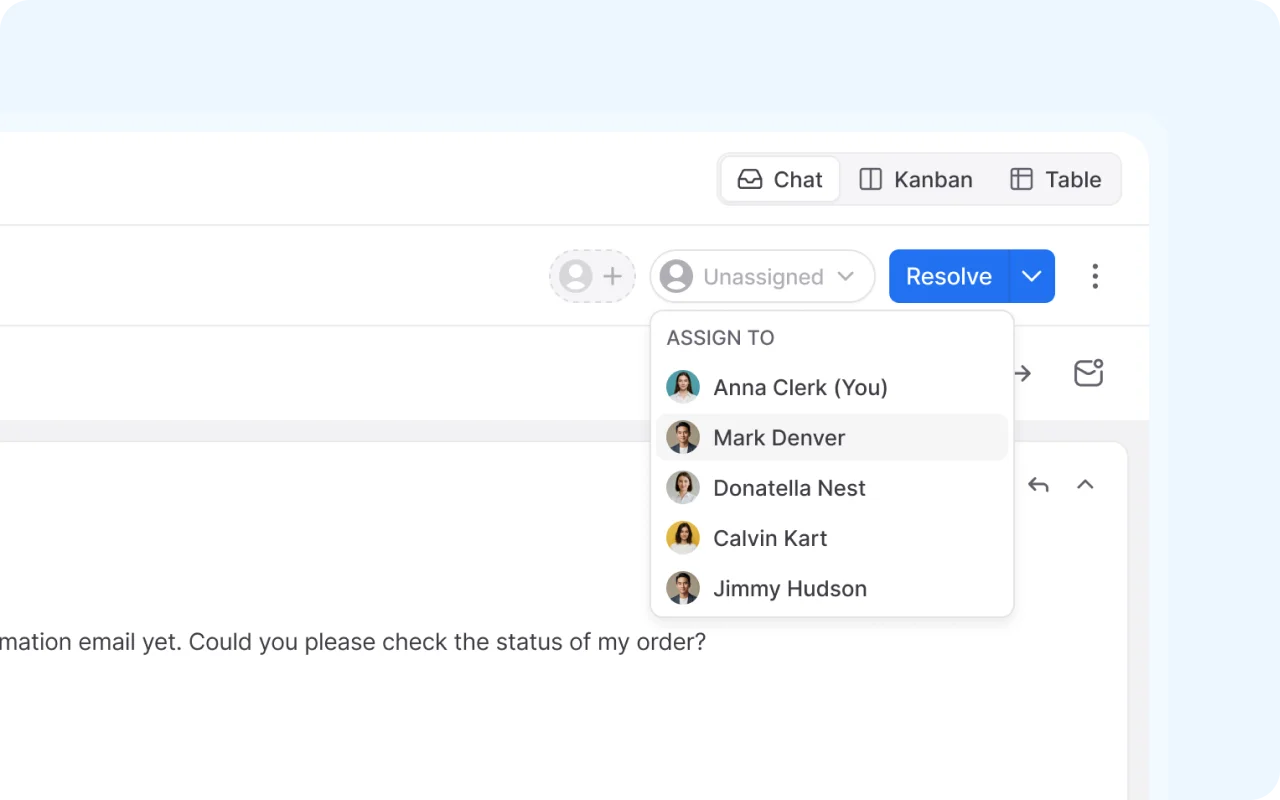
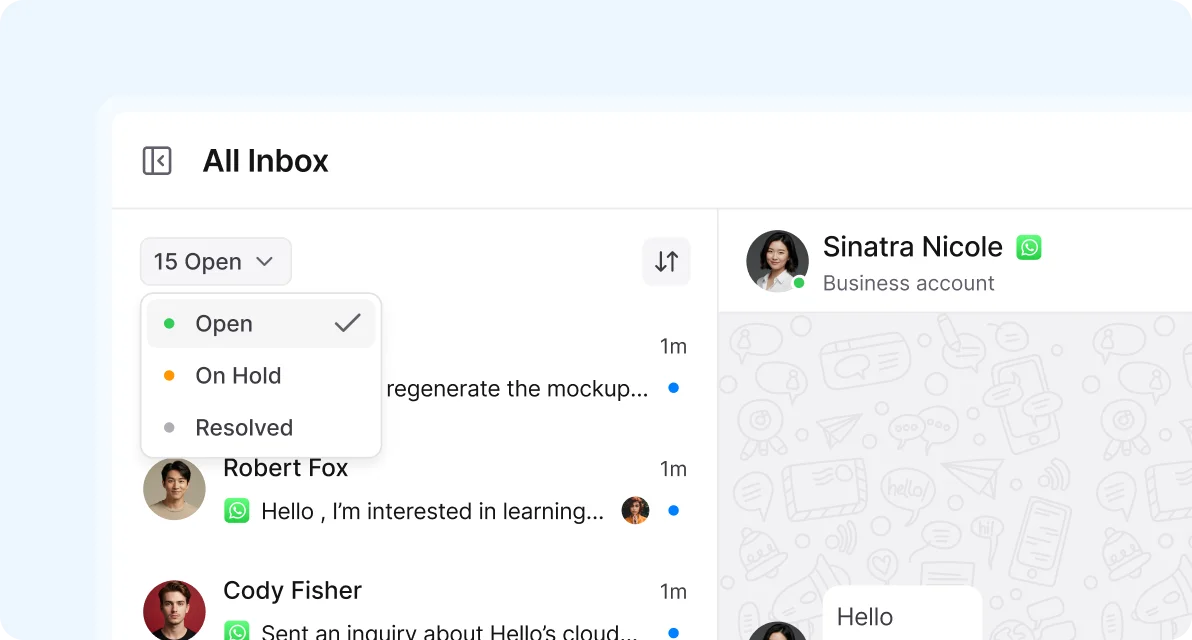
Know Who’s Involved at a Glance
- See which conversations are assigned
- Know who last replied and when
- Avoid overlapping responses
Clear ownership visibility prevents confusion before it happens.

What Teams Gain with a Unified Communications Platform
Shared visibility keeps teams aligned and conversations organized.
Hear what our customers have to say


“I was one of the first to adopt the AirChannel AI app, and it’s been a game-changer for my business. The seamless integration with multiple communication platforms allowed us to connect with customers like never before. Within weeks, we saw a noticeable improvement in response times and customer satisfaction. Highly recommend it!”


“AirChannel AI has completely transformed how our team communicates with customers. The unified inbox and automation features helped us reduce manual follow-ups and cut our average response time in half. Our clients noticed the difference immediately. It’s become an essential part of our workflow.”


“AirChannel AI has been a breath of fresh air for our small business. We no longer miss messages across platforms, and our team can respond to customers instantly. The improvement in both team coordination and client happiness was noticeable within days. Absolutely worth it.”

Get Complete Visibility Across All Conversations
See every customer message in one place and keep your team aligned from day one with a unified communications platform.